

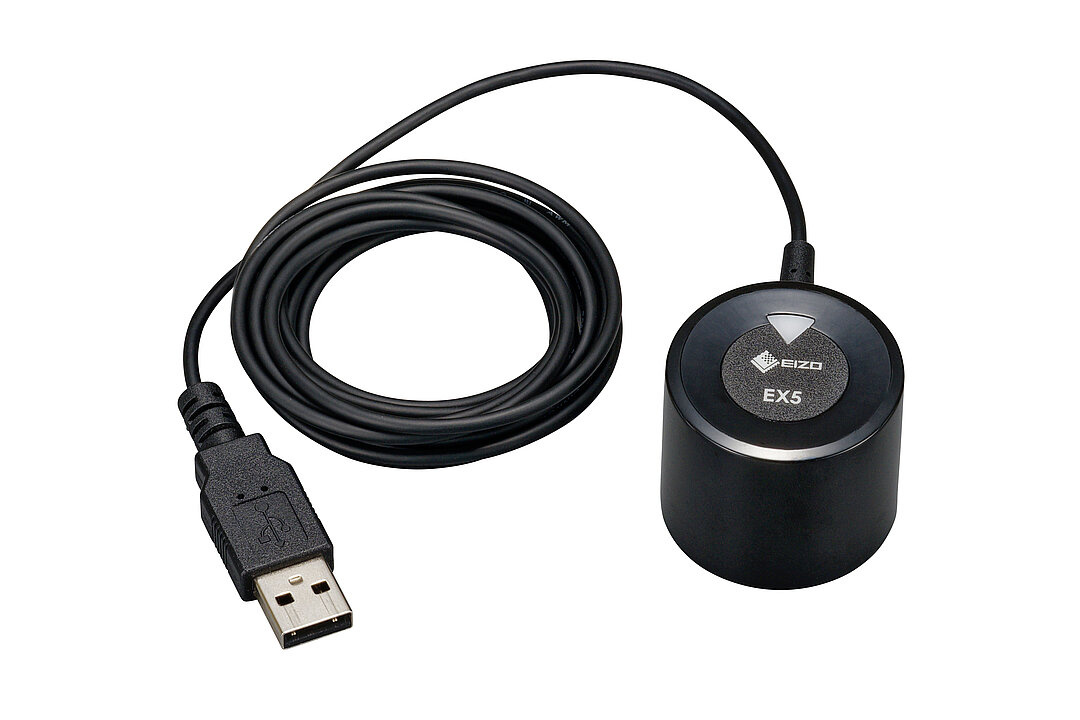
EIZO EX5 Colorimeter for Hardware Calibration for ColorEdge Products
- ECO friendly webshop
- Conseils personnalisés
- 30 ans d'expérience
- Plus de 4 000 produits
- Secure payment
- Inscrivez-vous et découvrez des réductions personnalisées
Spécifications
Produits connexes
€1.222,00 Sans les taxes
€1.929,00 Sans les taxes

€2.519,00 Sans les taxes
Informations
External calibration sensor for ColorEdge monitors in combination with the color management software ColorNavigator 7.
The EX5 is an external calibration sensor designed to accurately calibrate ColorEdge monitors with support for ColorNavigator 7 and the Quick Color Match color management software.
In the seamless interaction between EX5 and ColorNavigator 7 or Quick Color Match, deviations in color and brightness are corrected without loss during hardware calibration. An ICC profile is then created, which contains information about the current color settings of the monitor for color management.
The EX5 calibration sensor is connected to the computer via USB. ColorNavigator 7 or Quick Color Match then projects a series of different color fields onto the monitor, which are measured by the EX5. This checks whether the color reproduction of the display still corresponds to the set target values ""¹""¹or has changed due to factors such as aging. If an adjustment of the monitor display is necessary, this is performed losslessly in the Look-Up-Table (LUT) of the ColorEdge monitor as part of the calibration. Next, a new color profile is created that passes the current monitor settings to the operating system and thus also to programs that are capable of color management. This profile contains information about the properties and settings of the monitor. This profile does not contain color corrections that reduce the display quality, as is the case with software calibrations.


